Advertisement
Click to download now, finish the installation quickly, and directly unlock the all-round experience
Advertisement
Screenshots
Click to download now, finish the installation quickly, and directly unlock the all-round experience
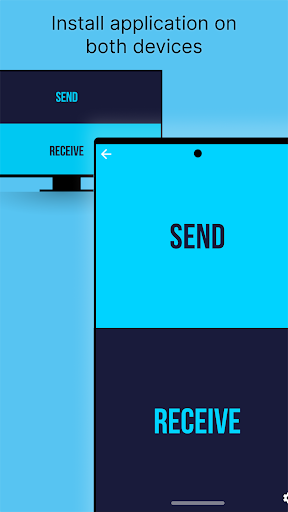
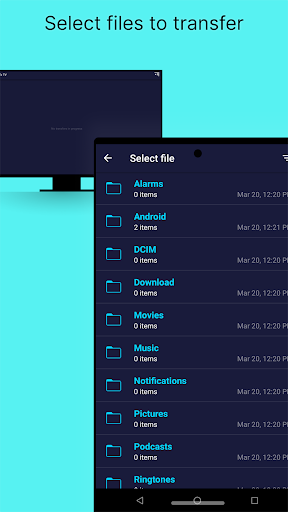
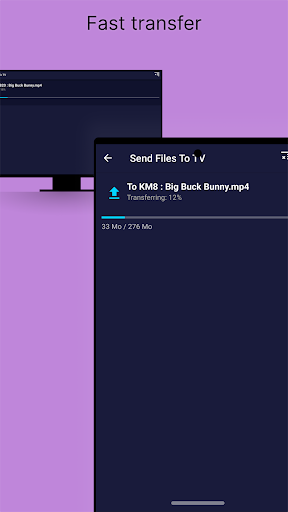
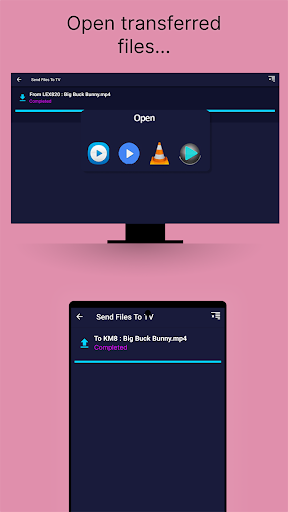
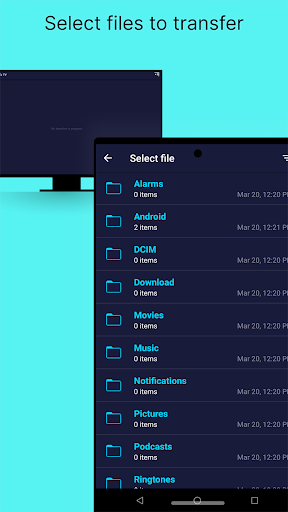
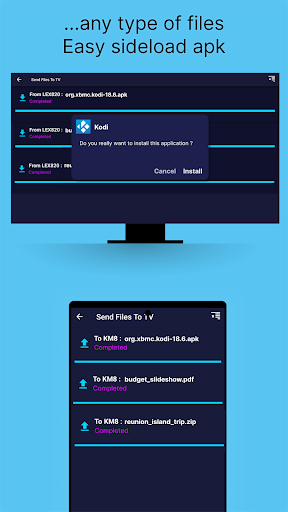
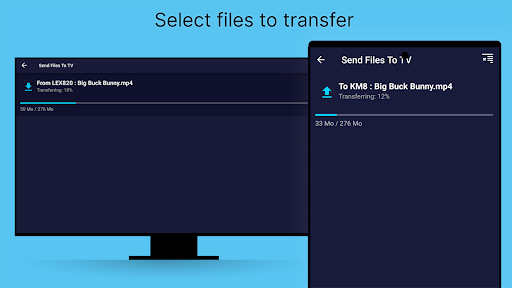
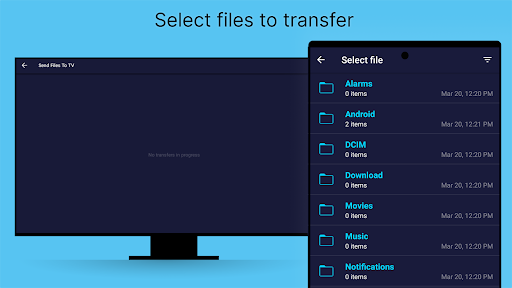
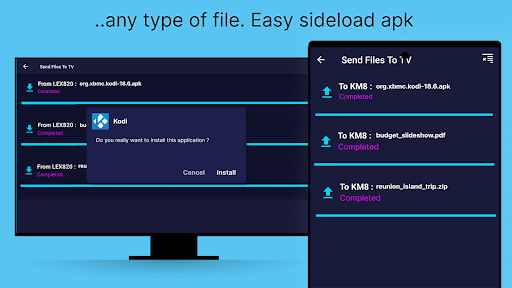
Send files to TV, from Yablio, transfers files between Android phones, Android TVs and computers on a local network. It is intended for people who want to move items such as videos or other files between devices without using an internet connection. The app has more than 10 million installs and a rating of about 4.24 from roughly 98,000 ratings.
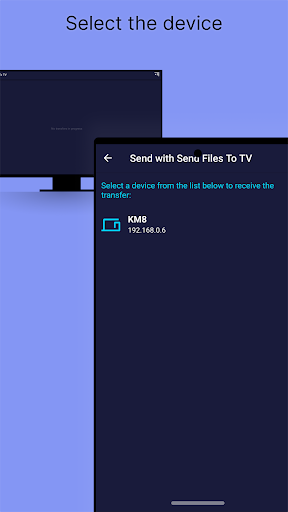
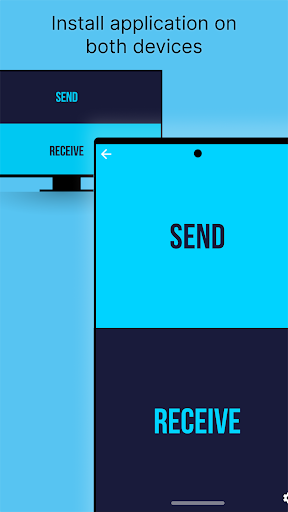
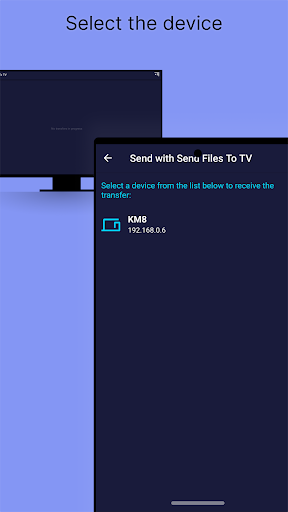
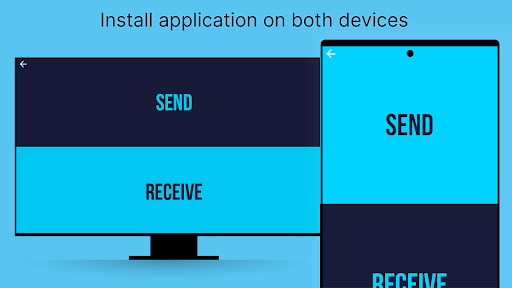
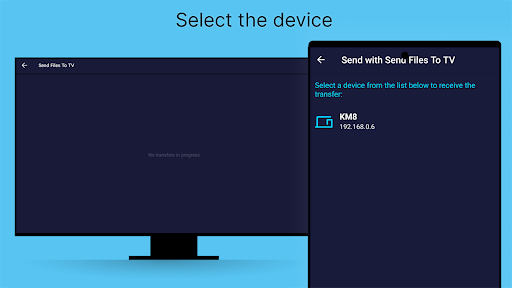
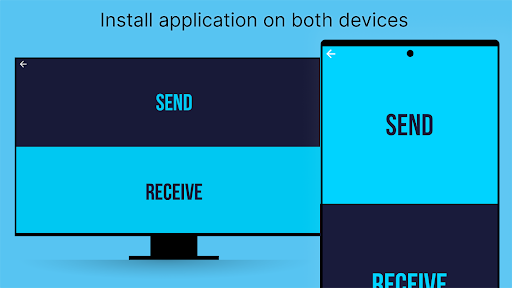
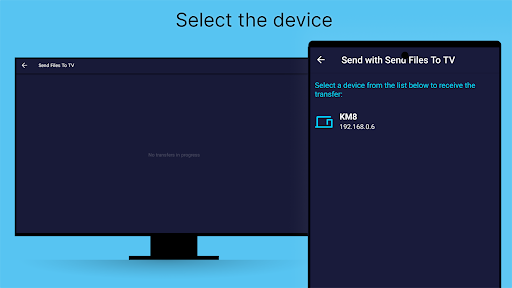
Devices with the app installed can be discovered on the network, so you do not have to enter an internet address or use a cloud storage service. The Android app can work with the desktop version for Windows, macOS and Linux. SFTTV needs to be running on the devices involved; it is not a general file-sharing option for TVs or computers that do not support the app.
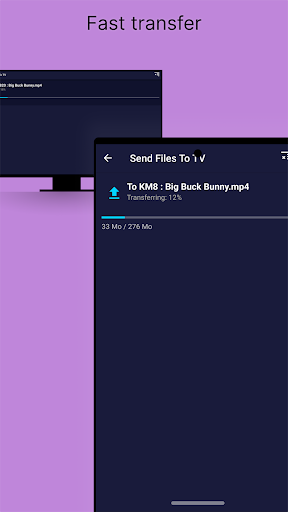
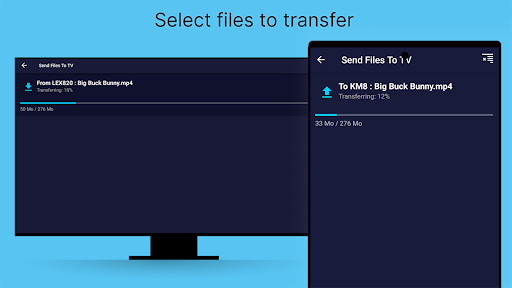
Transfers depend on the devices being on the same local network, so this is less useful when the devices are in different places or cannot connect to that network. The app does not replace a cloud service for sending files remotely. The transfer speed will also depend on the local network and devices; the listing does not provide a guaranteed speed.
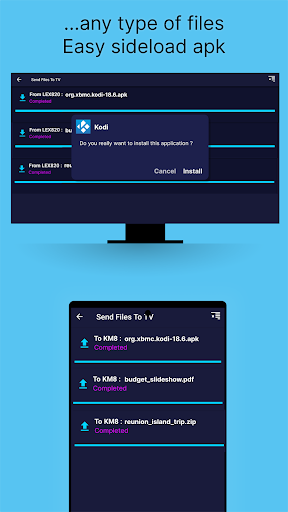
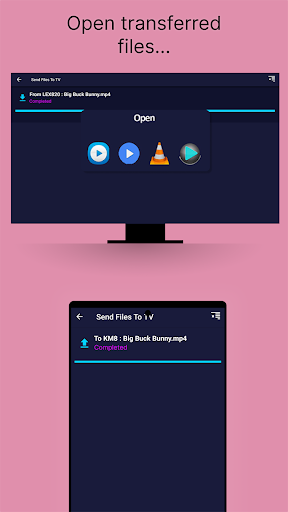
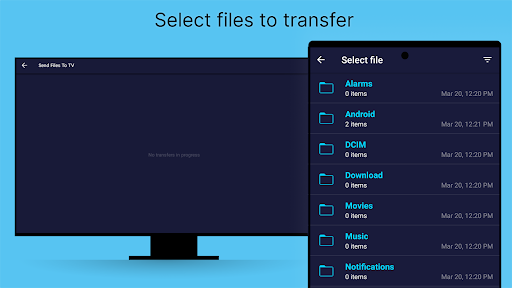
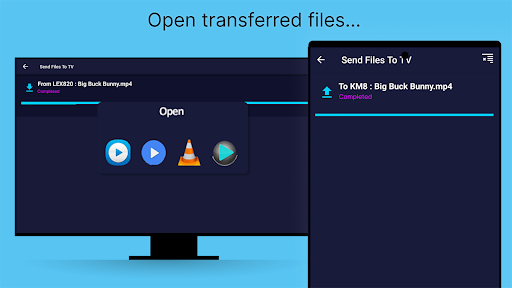
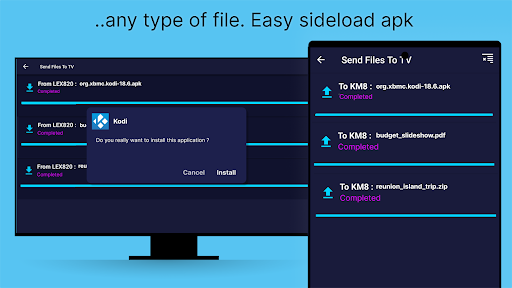
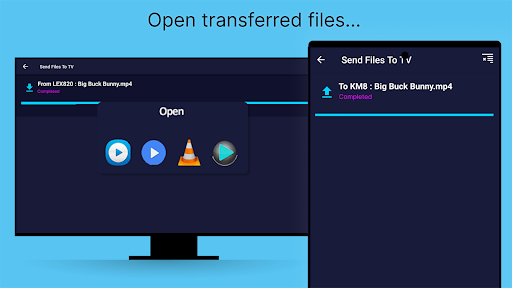
The app is described as supporting files generally, rather than only video formats. If you need to find where received files are saved, check the location shown in the app’s settings. Send files to TV is a focused tool for moving files between supported devices, with the main limitation being that both ends need access to the local network and the app.