Screen recording and capture
Screen Recorder+Video Recorder records activity on an Android screen, including gameplay, calls and other on-screen video. It also takes screenshots. The app may suit people who need clips for tutorials or to share what is happening on their phone, though recording quality and available frame rates depend on the device.
Recording options
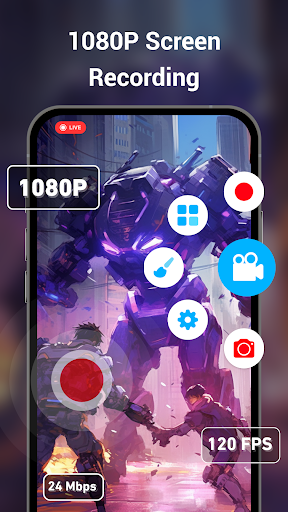
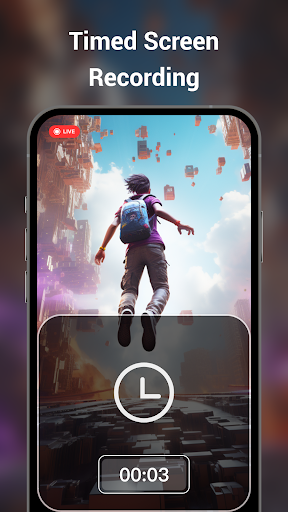
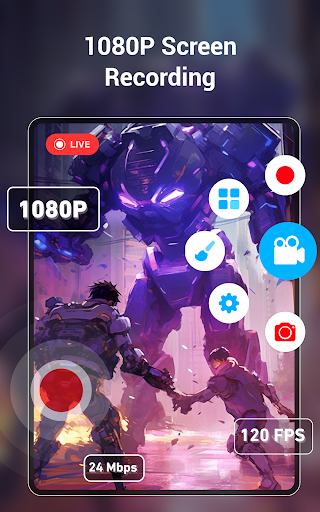
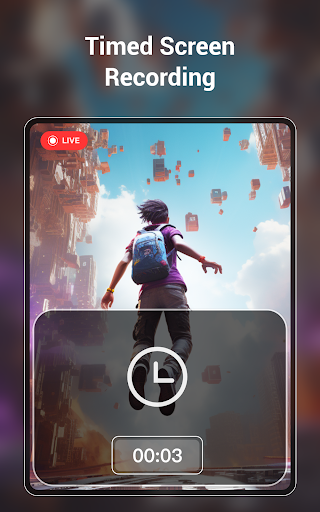
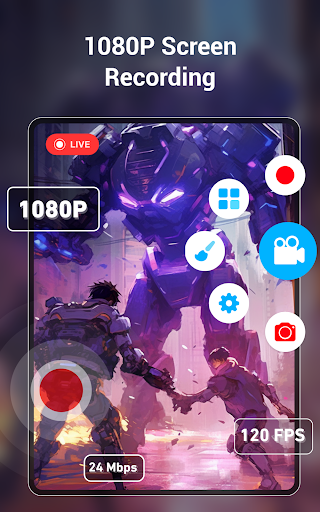
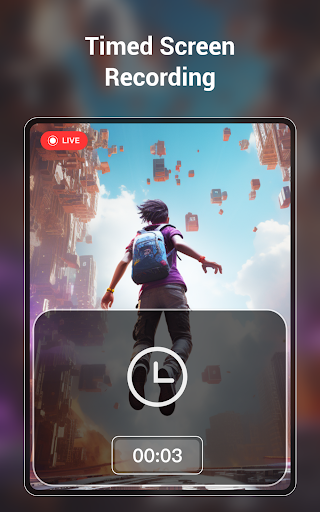
Settings let you adjust video resolution, frame rate and bit rate. The listed capabilities include recording up to 2K, 60 frames per second and 12 Mbps, but these are not guaranteed on every phone. Recording can be controlled through a floating window or the notification bar, and the app can be set to stop at a chosen time.
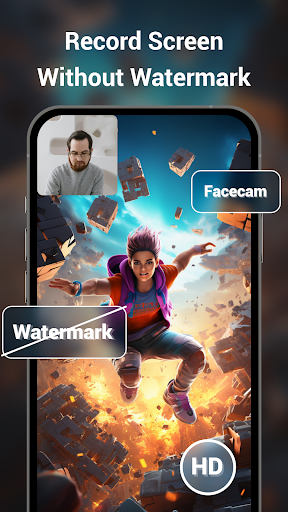
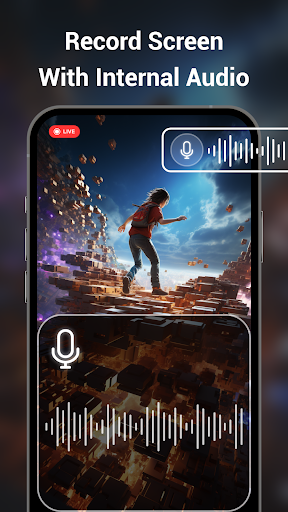
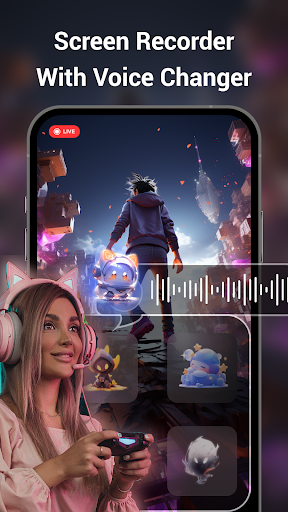
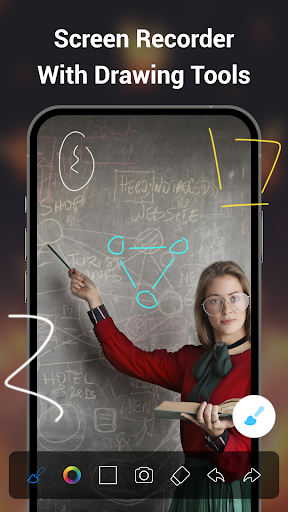
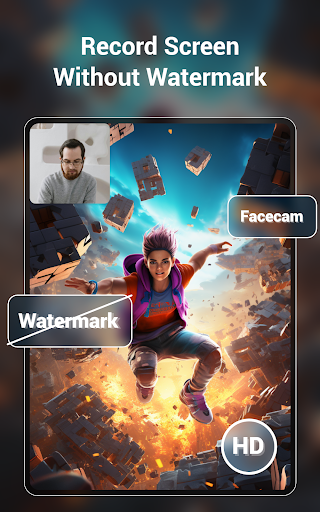
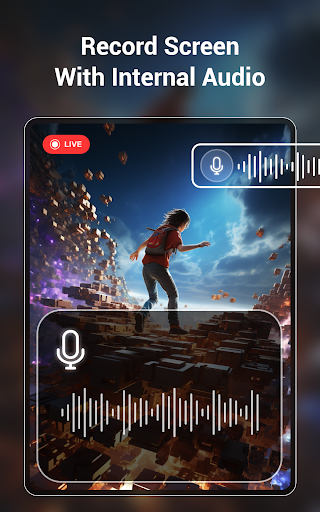
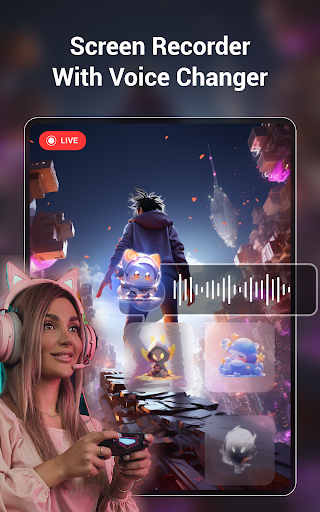
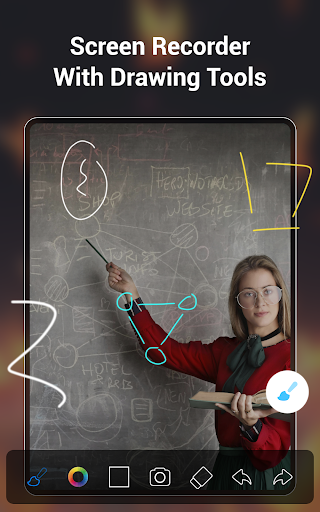
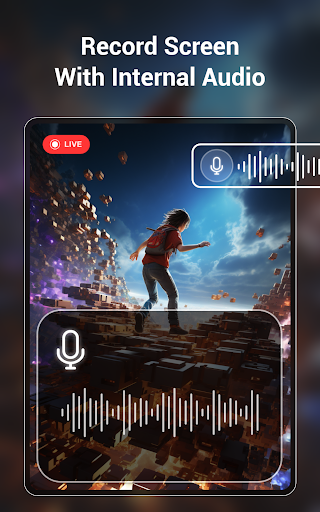
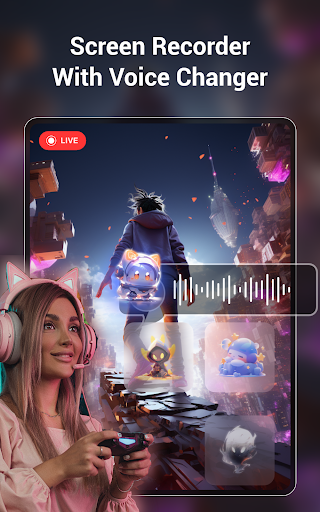
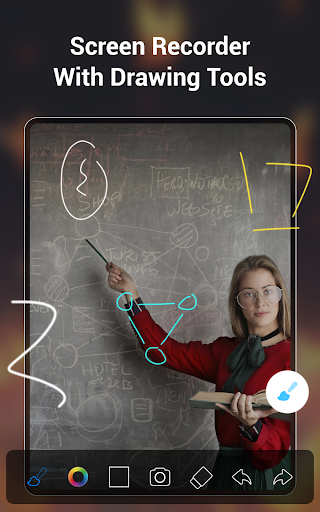
It can add a front- or rear-camera view over a recording, and offers tools for drawing on the screen. Audio recording is supported; internal audio capture is described as available on Android 10 and later. Voice effects are also listed. These options may be useful for commentary or demonstrations, but the result depends on device and system support.
Streaming and limitations
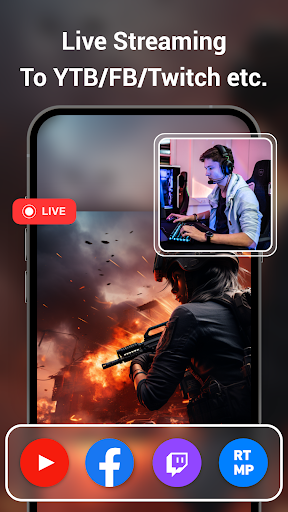
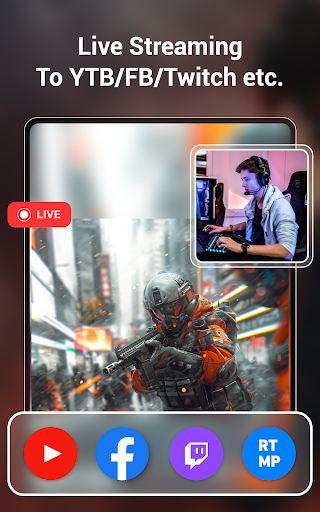
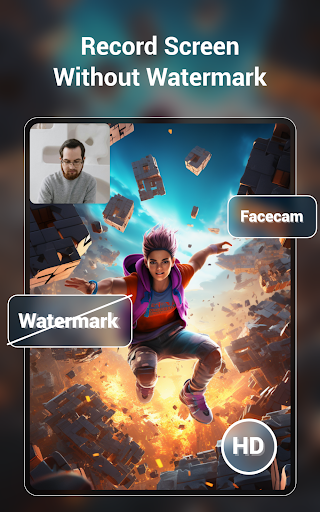
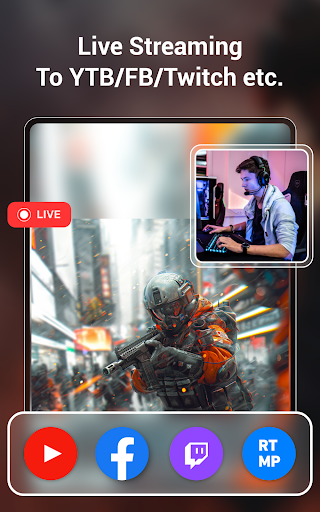
The app includes live streaming to platforms that accept RTMP, as well as options to add a text or image watermark. Its listing says recordings can be made without a watermark by default. The feature set is broad, so it is worth checking the settings on your device rather than assuming every option will work in the same way. Long or demanding recordings may also be affected by other apps running in the background.
Listing details
The developer is Video Screen Recorder, Voice Audio Editor, Cut MP3. The app is listed in Video Players & Editors and has a rating of 4.59 from 56,218 ratings, with 5,000,000+ installs. Those figures indicate substantial use, but do not establish how well the app will perform on a particular phone.